
Credit Card Tracker for Google Sheets & Excel
Track credit card balances, payments, and utilization across all your cards. Stay on top of due dates and keep your credit utilization in check.
$9.99
Get this template on EtsyWhat's included
- Track multiple credit cards in one view
- Balance and credit limit tracking
- Utilization percentage for each card
- Payment due date reminders
- Monthly payment logging
- Works with Google Sheets and Microsoft Excel
How it works
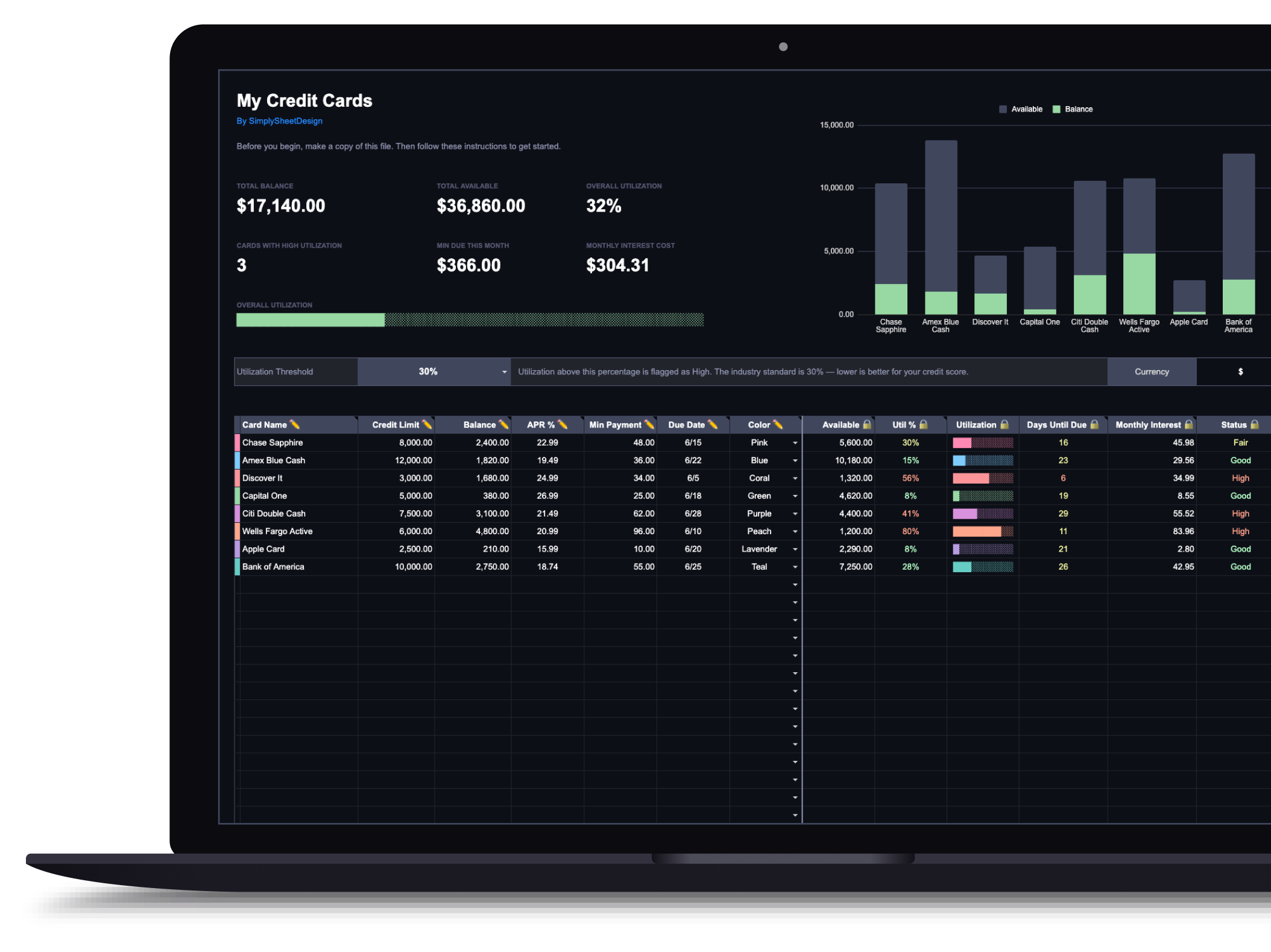
The spreadsheet has three tabs: Dashboard, Payment Log, and a hidden Data tab for color settings. On the Dashboard, each row represents one credit card. Enter the card name, credit limit, current balance, APR, minimum payment, due date (as MM/DD), and pick a color.
Utilization tracking
A utilization threshold dropdown at the top sets when a card gets flagged. The default is 30%, the standard benchmark for maintaining a healthy credit score. Each card shows its individual utilization percentage, and the Dashboard shows your overall utilization across all cards.
Tracking payments
Every payment goes in the Payment Log tab: date, which card, amount, and an optional note. The Dashboard updates automatically: available credit, utilization percentage, and status all recalculate.
What the Dashboard shows
Each card gets its own utilization bar, available credit amount, days until due date, and a status indicator (healthy, warning, or high based on your threshold). Summary cards at the top show total credit limit, total balance, and overall utilization at a glance.
Available in dark and light themes
Both themes are functionally identical. Use the toggle above to switch between them.
Who this credit card tracker is for
This one is narrower than it looks. It is built for people whose debt sits on revolving credit and who care about utilization, not just balances. If you have several cards, a credit score you are actively trying to move, and due dates spread across the month, this is the right tool.
If your goal is purely to clear what you owe and the mix includes loans as well as cards, the debt payoff tracker is the better fit. It handles any debt with a payment schedule and it ranks them by payoff strategy, which this one does not. The two overlap, and buying both only makes sense if you genuinely want utilization monitoring alongside a payoff plan.
If you carry one card and pay it in full every month, you do not need this. Your utilization is already fine and there is nothing here for you to track.
What you need before you start
Per card: the name, the credit limit, the current balance, the APR, the minimum payment, and the due date as MM/DD.
The credit limit is the one people leave blank, and without it the sheet cannot do the only thing it exists for. Utilization is balance divided by limit, so a missing limit means no percentage, no status indicator, and no overall figure. It is on your statement and in your card’s app, and it is worth five minutes to collect all of them at once.
Take balances from your statement rather than the app. App balances usually include pending charges that have not posted, and utilization is reported against the statement balance, so working from the app leaves you chasing a difference that is not really there.
Using it in Google Sheets or Excel
Functionally identical, so pick where you will open it. Google Sheets syncs across devices and is the one you will actually check when a due date is coming. Excel makes sense if you already live in it or want the file stored locally.
Copy the file before entering anything. Card data is tedious to re-enter, and overwriting a formula in the original with nothing to restore from means doing all of it again.
Understanding the utilization threshold
The dropdown at the top sets when a card gets flagged, and it defaults to 30%. That number is a widely used benchmark rather than a cliff. Credit scoring treats utilization as a continuous input, so 31% does not trigger anything and 29% does not unlock anything. Lower is better, more or less smoothly, and the effect is strongest as you approach the limit.
Two details are worth knowing because they change how you use the sheet. Utilization is generally reported at the statement date, not the due date, so a card paid in full every month can still report high if the statement cuts while the balance is up. And both per-card and overall utilization matter, which is why the Dashboard shows each card individually as well as your total. One maxed card among several empty ones is not the same as an even spread, even when the totals match.
Set the threshold to whatever you are actually working toward. If you are preparing for a mortgage application, tightening it to 10% turns the status column into a live checklist.
Due dates and the payment log
Each card shows days until its due date, which is the part of this tracker that earns its place fastest. Multiple cards means multiple dates, and a missed payment costs a late fee plus a mark that outlasts the fee by years.
Every payment goes in the Payment Log tab: date, card, amount, optional note. The Dashboard recalculates available credit, utilization, and status from there, so the numbers are exactly as current as the log behind them.
Log the payment when you make it. A tracker updated once a month tells you where you were, not where you are, and a tracker that tells you where you were cannot warn you about a date that is four days out.
What this will not fix
A tracker measures. It does not change the balance, and the honest reading of a full dashboard is usually that the money going onto the cards each month is the actual problem.
If balances hold steady while you make payments, spending is replacing what you pay off, and no amount of monitoring closes that loop. That is budget work rather than tracker work, and a budget spreadsheet is the thing that frees up the money the cards are waiting for. Where is my money going is the faster diagnostic if you have never broken your spending down.
If the balances are real and you are ready to attack them, the order matters. How to pay off debt covers the choice between clearing balances and building a cushion first, snowball versus avalanche covers the two payoff orders, and the debt free date calculator shows how much sooner you finish for each extra hundred a month. Those decisions live outside this sheet, which is deliberately about the state of your cards rather than the plan for them.
Related articles
Frequently asked questions
How many cards can I track?
As many as you have. The tracker is designed to handle multiple cards with individual balances, limits, and due dates.
Does it calculate credit utilization?
Yes. It shows utilization per card and your overall utilization across all cards, which is one of the biggest factors in your credit score.
Can I use this alongside the Debt Payoff Tracker?
Absolutely. The Credit Card Tracker focuses on utilization and due dates, while the Debt Payoff Tracker focuses on paying down balances over time. They complement each other.
More spreadsheets
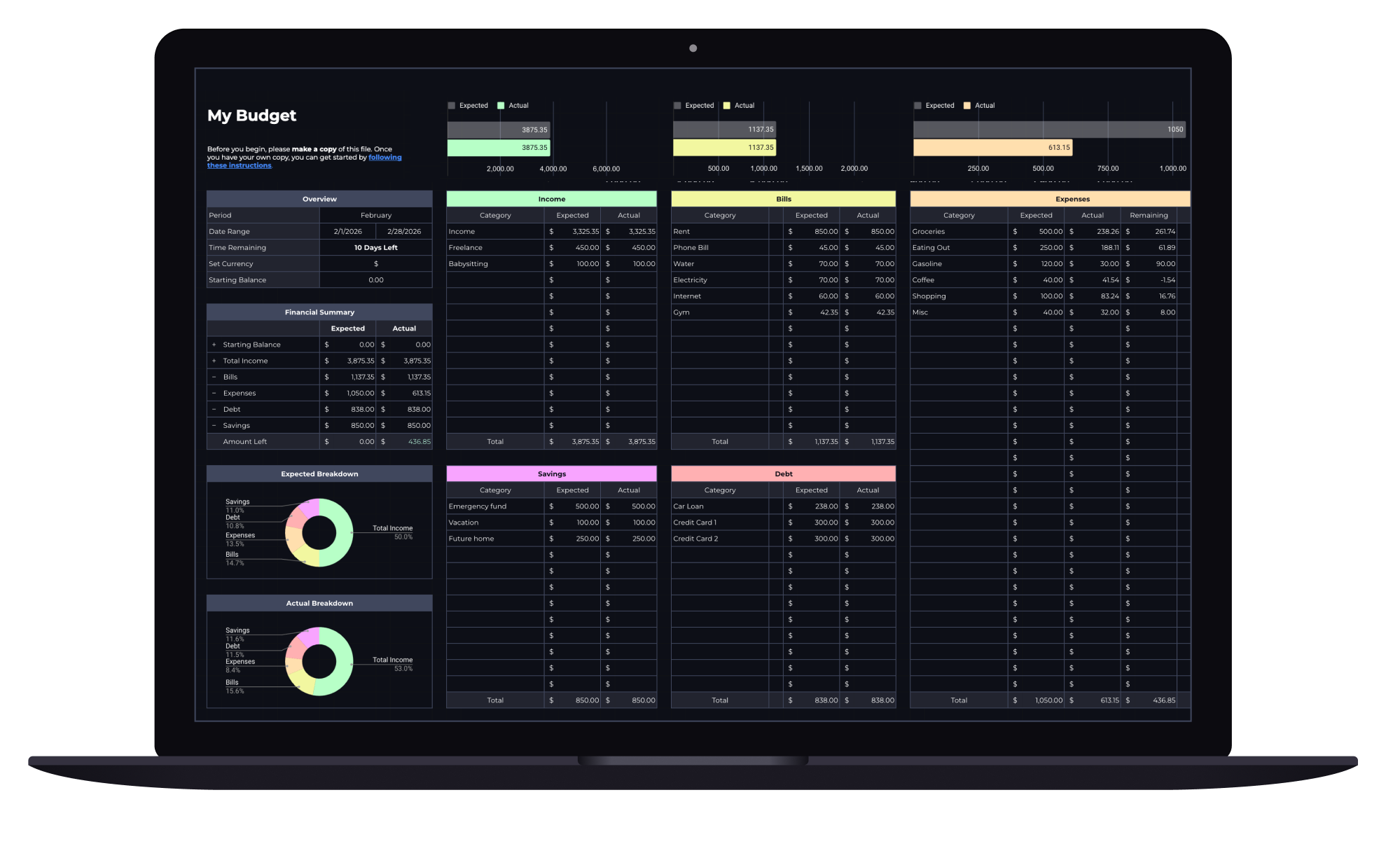
Budget Spreadsheet
Track your income and daily expenses with real-time progress indicators that show exactly where you stand each month. Works with Google Sheets and Microsoft Excel.
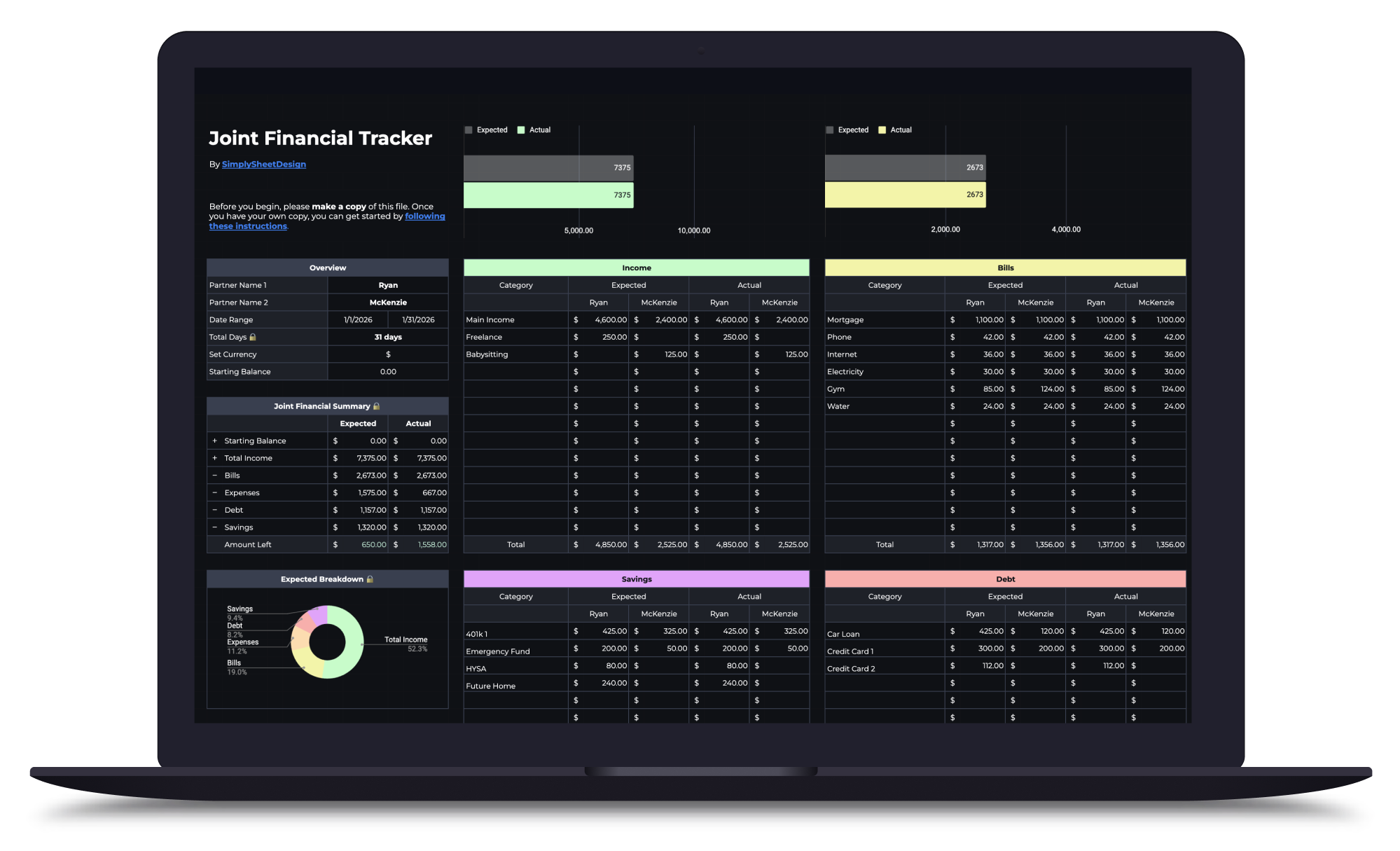
Couples Budget Spreadsheet
Split bills, track shared and personal expenses, and manage savings together. Built for two incomes, one shared financial picture.
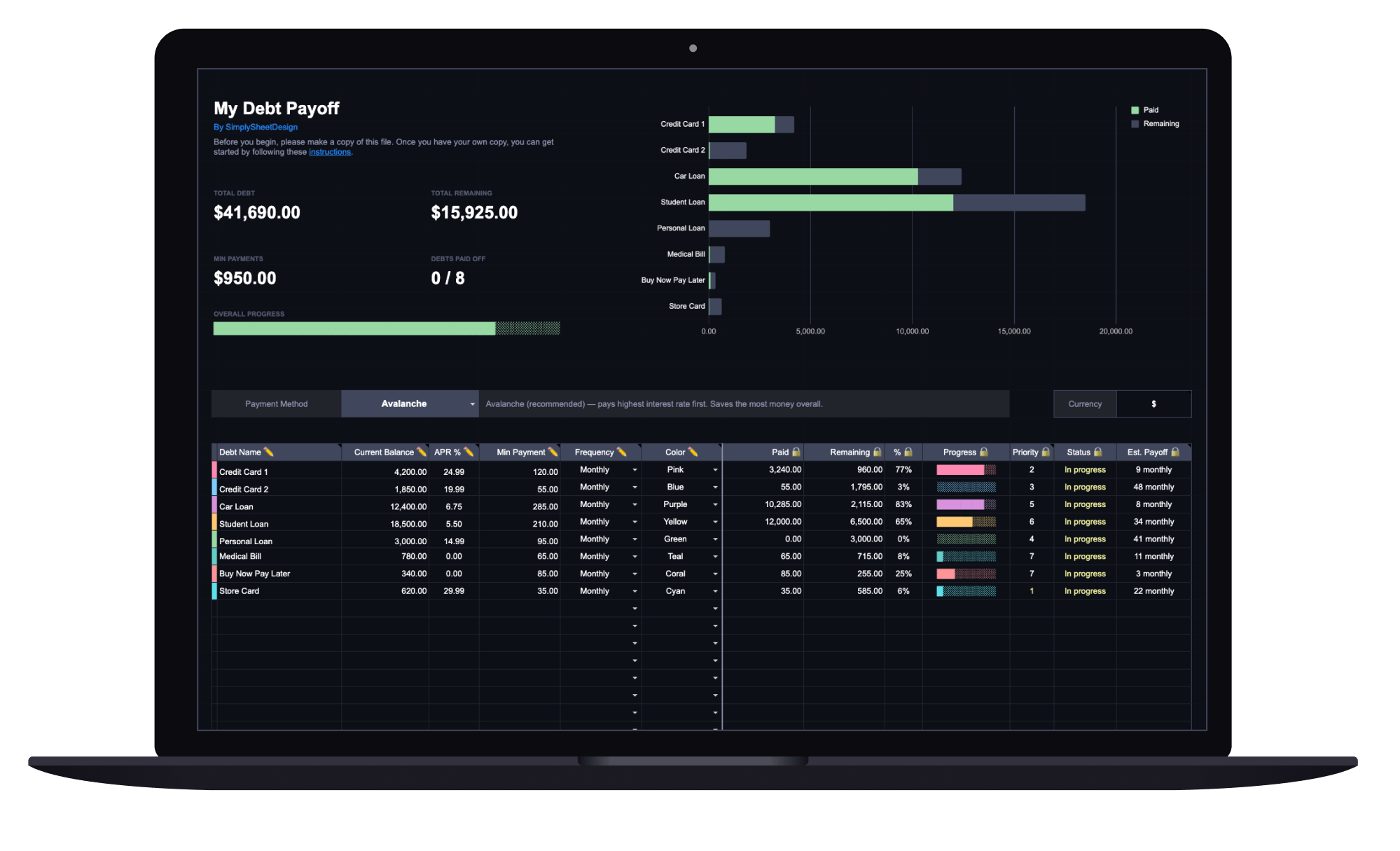
Debt Payoff Tracker
See your total debt, log payments, and watch your balances drop month by month with clear visual progress. Track credit cards, loans, and any other debt.