
Savings Goals Tracker for Sheets & Excel
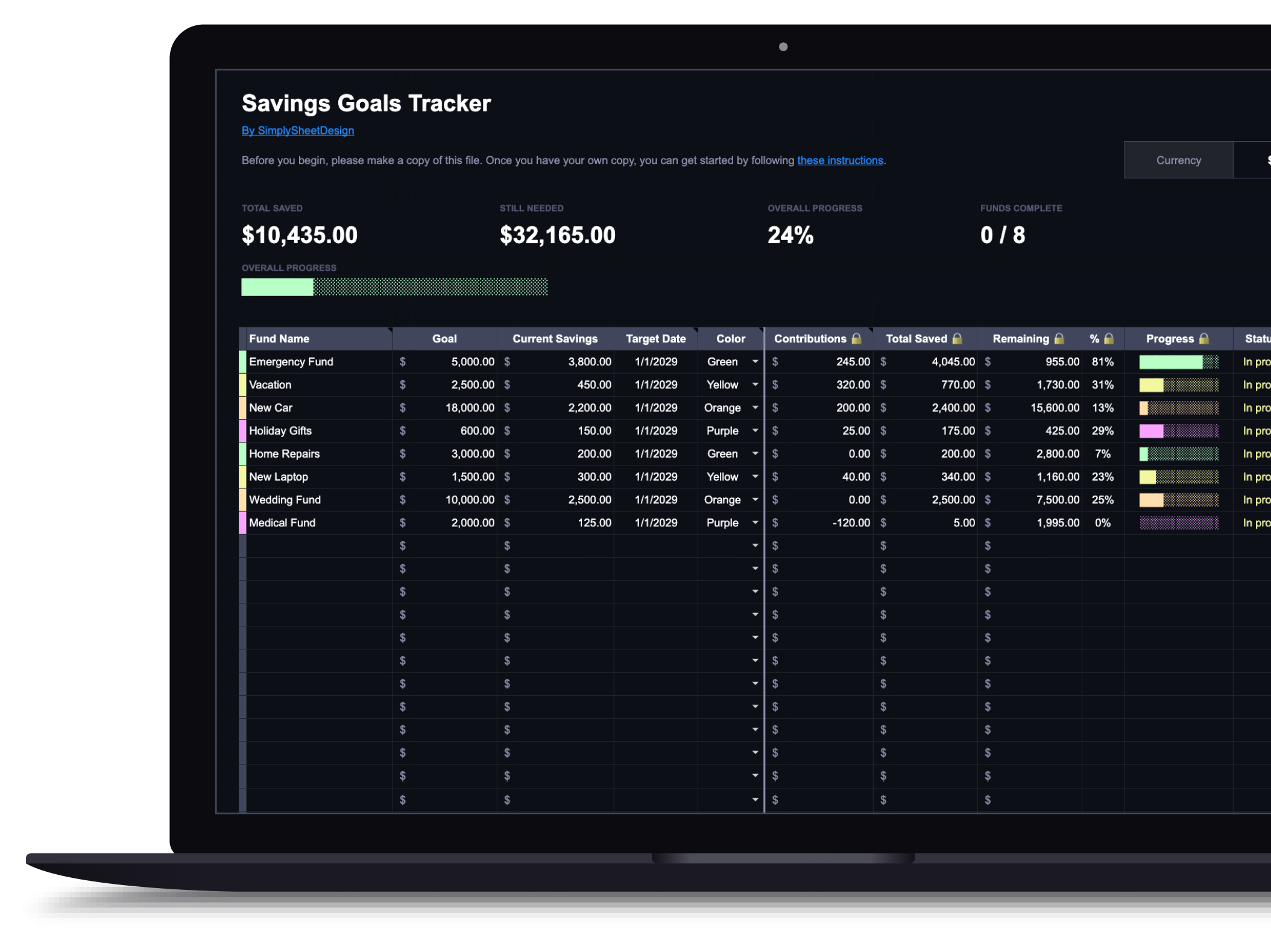
Set multiple savings goals, track contributions, and watch your progress toward each one. Perfect for emergency funds, sinking funds, and any savings target.
Set a target amount and date for each goal, an emergency fund, a house down payment, a sinking fund for something predictable, and track them all side by side.
$9.99
Get this template on EtsyWhat's included
- Track multiple savings goals simultaneously
- Visual progress bars for each goal
- Contribution logging with running totals
- Target amount and deadline tracking
- Overview dashboard for all goals
- Works with Google Sheets and Microsoft Excel
How it works
The spreadsheet has two tabs: Dashboard and Transaction Log. On the Dashboard, each row is one savings goal. Enter a fund name, target amount, any starting balance you already have saved, an optional target date, and pick a color.
Logging transactions
Every deposit or withdrawal goes in the Transaction Log tab: date, which fund, amount, type (deposit or withdrawal), and an optional note. The Dashboard updates automatically: your total saved, remaining amount, percentage, and progress bar all recalculate.
What the Dashboard shows
Each fund gets a visual progress bar, a percentage toward your goal, and a status that switches from "In progress" to "Funded" once you reach 100%. The remaining column shows exactly how much more you need, and it will never display a negative number.
What you can track
Emergency funds, vacation savings, car repairs, holiday shopping, down payments: any goal with a dollar amount. Each fund operates independently with its own balance, progress, and transaction history.
Available in dark and light themes
Both themes are functionally identical. Use the toggle above to switch between them.
Who this savings goals tracker is for
This is for people saving toward several things at once. One emergency fund in one account needs no spreadsheet. The case for this starts when there are four or five targets sharing space, and a single savings balance stops telling you anything, because you cannot see whether the number in the account is the car repair money or the holiday money or the buffer you promised yourself you would not touch.
Splitting one balance into named goals is the whole idea, and it is what sinking funds are. You do not need separate bank accounts for it. One account plus this sheet does the same job, and sinking funds explained covers why setting money aside for the predictable-but-irregular costs is what stops them landing on a credit card.
If you are saving for exactly one thing and know the amount, a note on your phone will do. Buy this when the number of goals is what has become hard to hold in your head.
What you need before you start
Per goal: a name, a target amount, whatever you have already put aside, and optionally a target date.
The target amount is where most of the thinking goes, and vagueness there is what makes a goal quietly stall. “Save for a car” is not a target. “Four thousand by next March” is, because it divides into a monthly number you can check against reality.
For the emergency fund specifically, the target is not a matter of taste. It depends on how stable your income is and what your actual monthly costs are, and the common three-to-six-months advice hides a wide range. The emergency fund calculator works out the number for your situation, and how big an emergency fund should be covers why the answer differs so much between a salaried job and freelance income.
For the irregular costs, the sinking fund calculator converts an annual amount into what you need to set aside monthly, which is usually smaller and less alarming than people expect. If you are unsure which costs even warrant their own fund, the sinking fund assessment will suggest a starting set.
Using it in Google Sheets or Excel
The same file in both, so pick where you will open it. Google Sheets syncs to your phone, which is what you want for logging a deposit when you make it. Excel is fine if you already work there.
Copy the file before entering anything, as ever.
Deciding what to fund first
The template will happily track eight goals at once. Funding eight at once is usually the mistake, because splitting a modest monthly surplus eight ways means everything creeps and nothing completes, and a progress bar that moves two percent a month does not feel like progress.
The order that works for most people is a small starter buffer first, then any high-interest debt, then the fuller emergency fund, then everything else. A thousand or so in reserve stops the next unexpected bill becoming a card balance, which is what makes debt payoff possible at all. Once that exists, how to pay off debt covers the balance between clearing what you owe and building the cushion further.
After that, sequence the rest rather than running them in parallel. Two goals fully funded in six months beats six goals a third of the way there, and it beats it on feel as much as on arithmetic.
Logging deposits and withdrawals
Every movement goes in the Transaction Log: date, fund, amount, type, optional note. The Dashboard recalculates your total saved, the remaining amount, the percentage, and the progress bar. A fund switches from In progress to Funded at 100%, and the remaining column never shows a negative number.
Log withdrawals as honestly as deposits. This is the one place a savings tracker gets quietly falsified, because taking money out feels like failure and leaving it unlogged keeps the bar looking good. But a fund you have spent from and not recorded will tell you it is ready for something it cannot cover, which is exactly when you find out.
Withdrawing from a sinking fund is not failure in any case. The car repair fund existing so it can be spent on a car repair is the fund working. What matters is that the sheet says so afterwards.
Keeping it honest
Check it monthly, when you log the contribution. Two questions: does the total match the actual account balance, and are the target dates still realistic.
The first drifts, usually because a transfer was made and not logged, or made twice. Reconciling against the real balance once a month keeps the sheet trustworthy, and a savings tracker you do not fully trust gets ignored within a quarter.
The second matters more than it seems. A target date that has quietly become impossible is worth adjusting rather than ignoring, because the point of a deadline is that it converts a goal into a monthly number, and a monthly number you are not hitting needs either a later date or a bigger contribution.
Where the contribution comes from is a budget question rather than a savings one. A budget spreadsheet is what creates the surplus this tracker records, and if the surplus is the thing that keeps not appearing, where is my money going is a better use of an evening than rearranging goals. If your income varies month to month, budgeting with irregular income covers funding goals from an amount that is different every time.
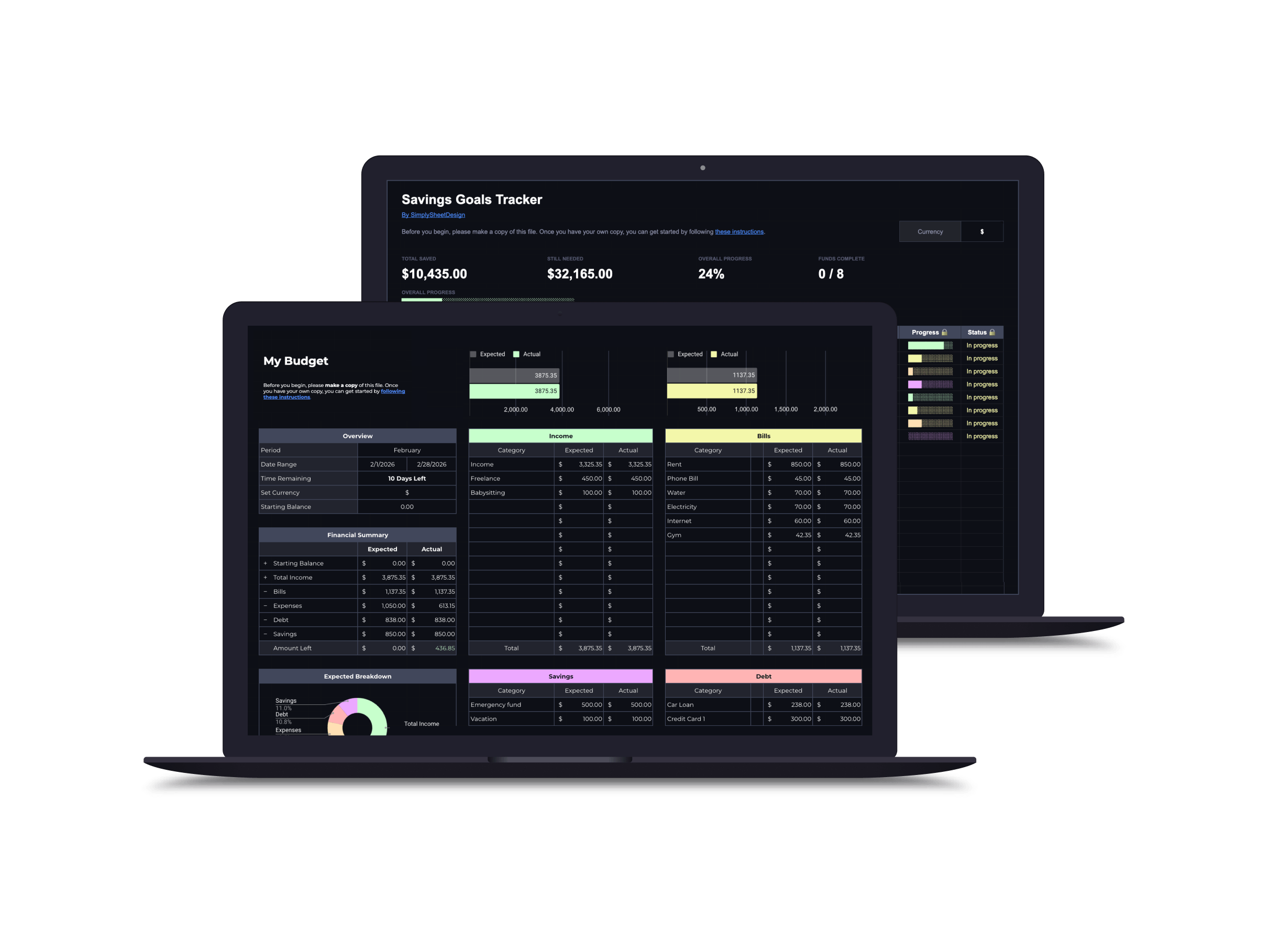
Save with a bundle
This product is a great way to see where your savings are going. The progress bar is a nice touch and will motivate me. I'm glad I found this shop and this resource!
BriannaFrequently asked questions
What kind of savings goals can I track?
Anything: emergency fund, vacation, car down payment, holiday gifts, home repairs. Each goal gets its own progress bar and contribution log.
Can I use this as a sinking funds tracker?
Yes. A sinking fund is just a savings goal with a specific purpose and target date, and that's exactly what this tracks. Set up a fund for car repairs, holidays, annual insurance, or anything else, and log deposits toward each one separately.
Can I set up automatic contribution amounts?
You set a target contribution for each goal, and the tracker shows whether you're on pace. Actual deposits are logged manually so you always have an accurate picture.
More spreadsheets
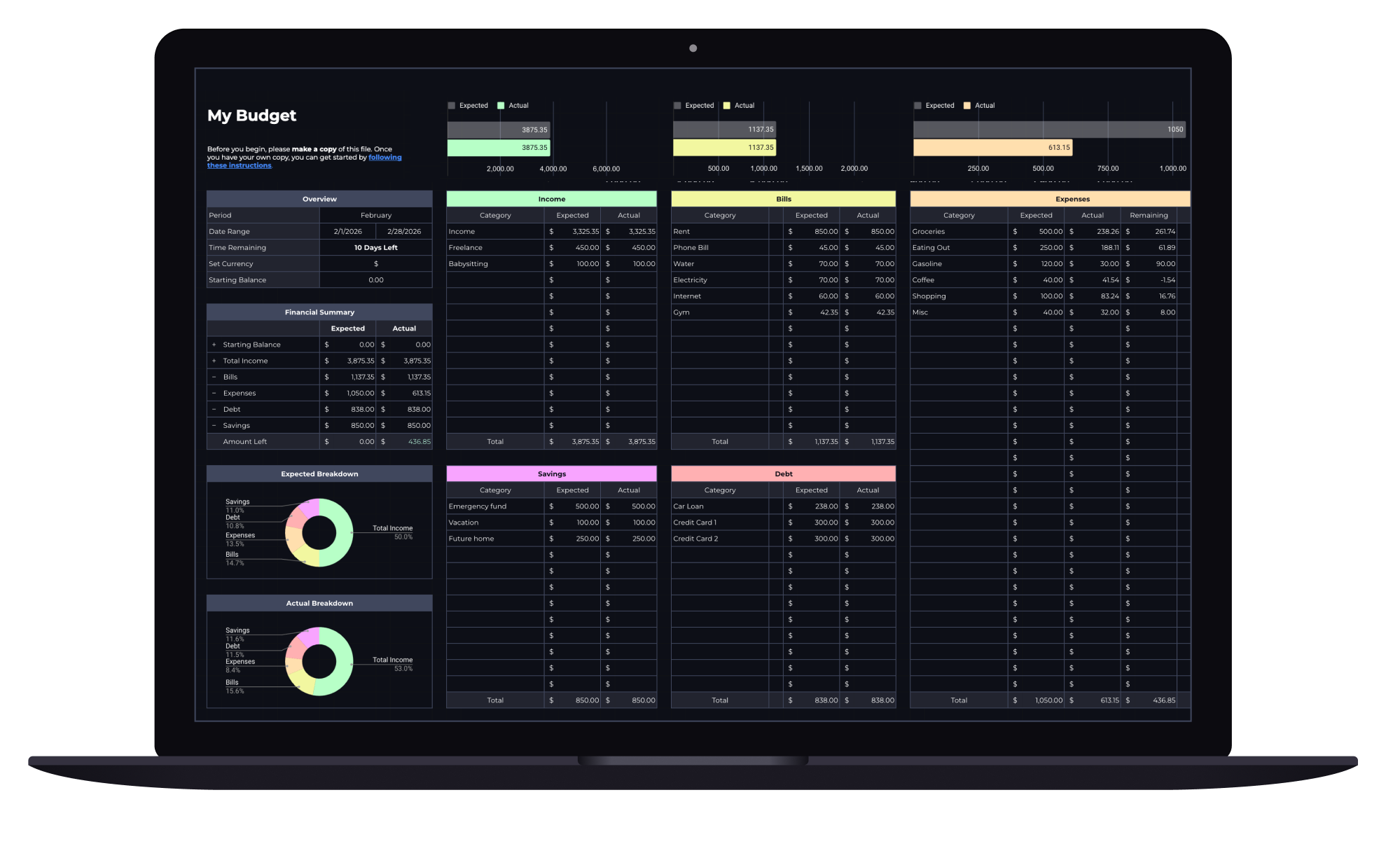
Budget Spreadsheet
Track your income and daily expenses with real-time progress indicators that show exactly where you stand each month. Works with Google Sheets and Microsoft Excel.
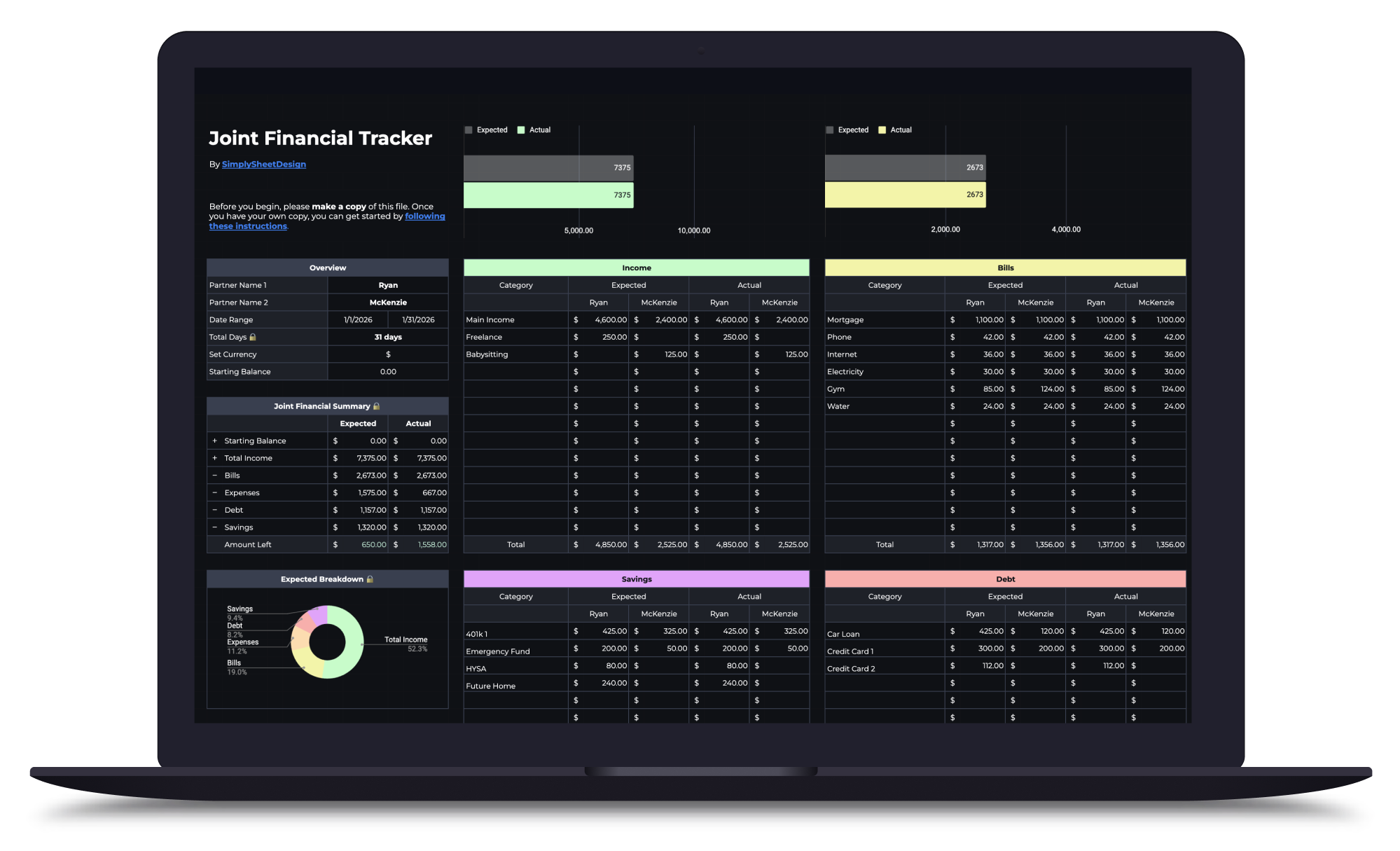
Couples Budget Spreadsheet
Split bills, track shared and personal expenses, and manage savings together. Built for two incomes, one shared financial picture.
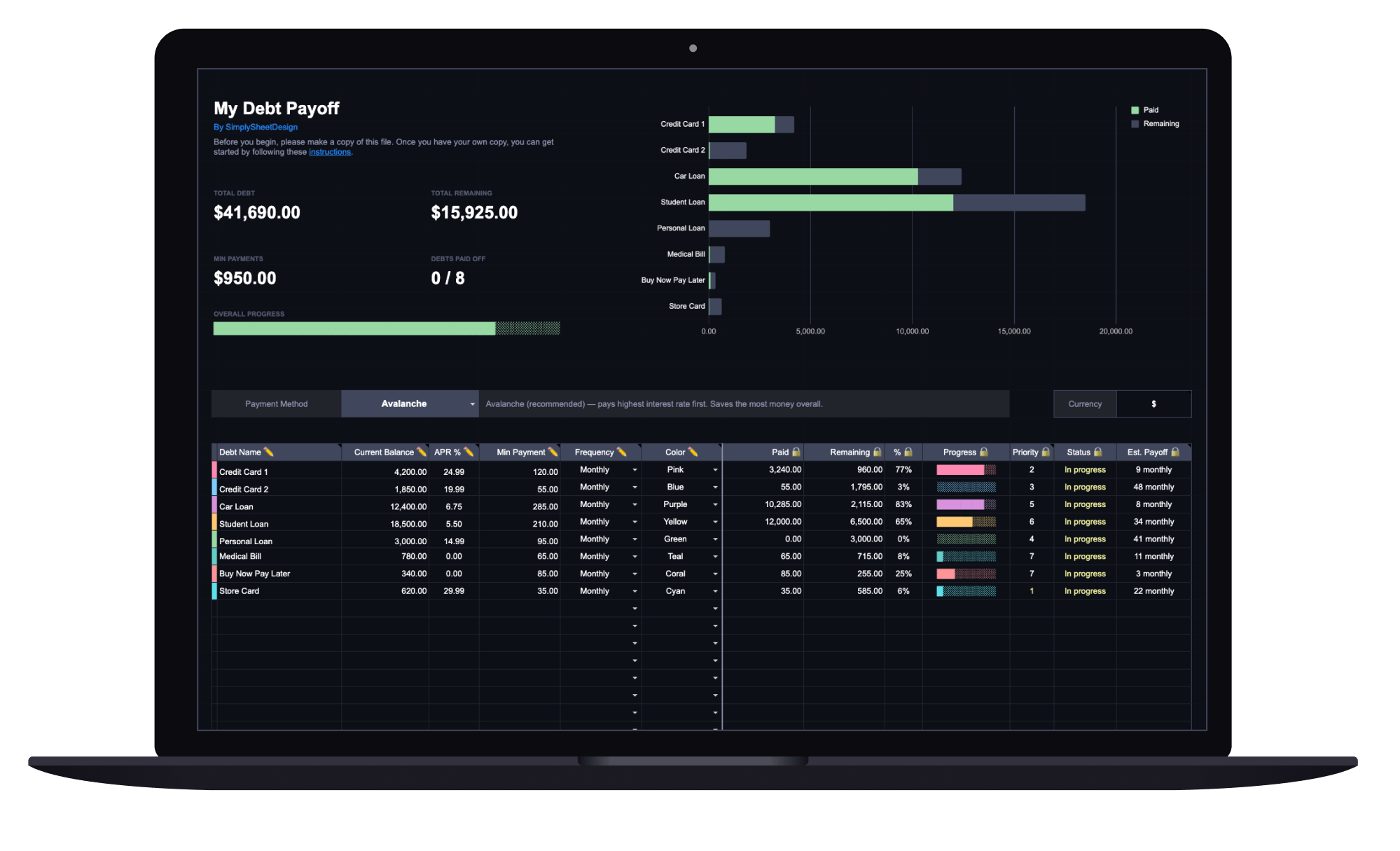
Debt Payoff Tracker
See your total debt, log payments, and watch your balances drop month by month with clear visual progress. Track credit cards, loans, and any other debt.