
Sinking Funds Tracker for Google Sheets & Excel
Set up a sinking fund for every predictable irregular expense: car repairs, holidays, annual insurance, vacations. Log contributions and watch each fund fill up on one dashboard.
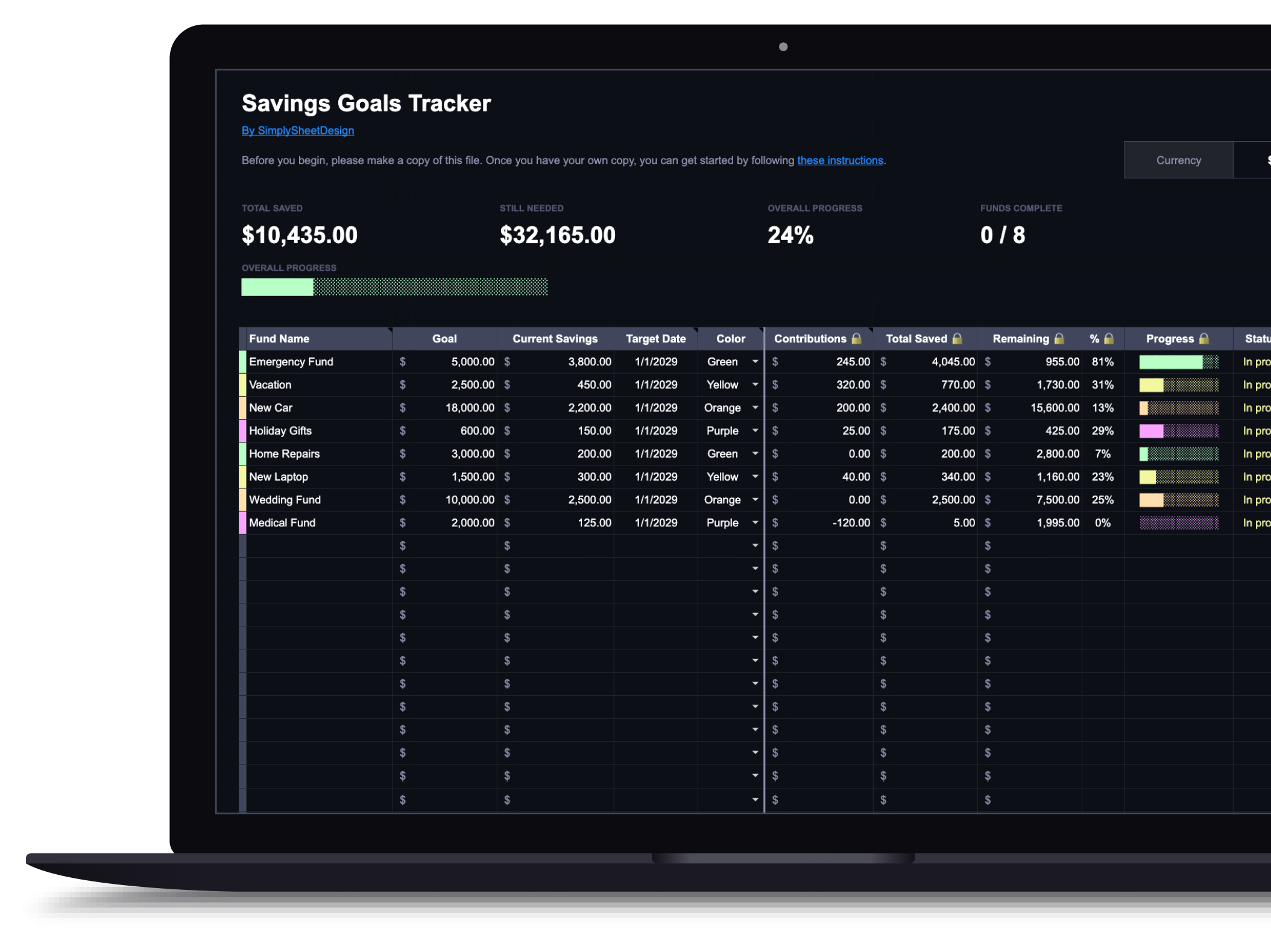
This is the same spreadsheet as the Savings Goals Tracker, built for the sinking fund method specifically: a target amount and date for each fund, and a running progress bar so you always know what's covered and what still needs money.
$9.99
Get this template on EtsyWhat's included
- Track multiple sinking funds simultaneously
- Visual progress bars for each fund
- Contribution logging with running totals
- Target amount and target date tracking
- Overview dashboard for every fund at once
- Works with Google Sheets and Microsoft Excel
How it works
Two tabs make up the sheet: Dashboard and Transaction Log. Each row on the Dashboard is a single sinking fund, car repairs, holiday shopping, annual insurance, whatever you name it. Add the fund name, target amount, any starting balance, an optional target date, and a color.
Logging contributions
Every deposit or withdrawal goes in the Transaction Log tab: date, which fund, amount, type (deposit or withdrawal), and an optional note. The Dashboard picks it up automatically: total saved, remaining amount, percentage, and progress bar all update on their own.
What the Dashboard shows
Each fund gets a progress bar, a percentage toward target, and a status that switches from "In progress" to "Funded" once you hit 100%. The remaining column shows exactly how much more you need to set aside, so a fund never quietly stalls without you noticing.
What you can track
Car repairs, holiday shopping, annual insurance, vacations, home maintenance, any predictable irregular expense with a dollar amount. Each fund operates independently with its own balance, progress, and transaction history.
Available in dark and light themes
Both themes are functionally identical. Use the toggle above to switch between them.
Who this sinking funds tracker is for
This is for anyone who keeps getting caught off guard by expenses that were never actually a surprise. Car registration, holiday shopping, an annual insurance premium, a planned vacation: you know these are coming, you just never set money aside for them ahead of time, so they land as a crisis instead of a line item.
A sinking fund fixes that by spreading the cost across the months before it arrives. This tracker is where you set the target, log what you have put toward it, and see at a glance whether you are on pace. What is a sinking fund covers why this specific method works better than lumping irregular costs into your regular monthly budget.
What you need before you start
Per fund: a name, a target amount, and how many months you have until you need it. That last part is what turns a vague goal into a number you can actually check against your budget. The sinking fund calculator does that division for you, and if you are not sure whether a given expense even belongs in a sinking fund rather than your emergency fund or your regular budget, the sinking fund assessment sorts it out in five questions.
Common sinking funds people set up
Car repairs and registration, annual or semi-annual insurance premiums, holiday gifts, travel, back-to-school costs, home maintenance, and medical deductibles are the usual candidates. Anything with a known season and a rough price tag qualifies. Most people find their first three or four funds by scanning the last twelve months of spending for the expenses that blindsided them.
Using it in Google Sheets or Excel
The same file works in both, so pick whichever you already use. Google Sheets syncs to your phone, which matters when you want to log a contribution the moment you make it rather than waiting until you're back at a computer. Copy the file before entering anything, as with any template.
Keeping it going
Check it monthly, when you log a contribution. Two questions: does the total match your real account balance, and is the target date still realistic. A fund that has quietly fallen behind is worth adjusting, either with a bigger monthly contribution or a later date, rather than leaving it to surprise you again when the bill actually comes due.
This product is a great way to see where your savings are going. The progress bar is a nice touch and will motivate me. I'm glad I found this shop and this resource!
BriannaRelated articles
Frequently asked questions
Is a sinking funds tracker different from a savings goals tracker?
Not in the spreadsheet itself. A sinking fund is just a savings goal with a specific purpose and a rough date attached, so the same tracker covers both. This page uses sinking fund language because that's the term for the predictable, irregular expenses (car repairs, holidays, annual insurance) this tracker was actually built to handle.
How many sinking funds should I set up?
Start with two or three that cover your biggest predictable annual expenses, often car costs, holidays, and insurance premiums. The template comfortably handles eight or more once the habit sticks, but funding too many at once usually means each one moves slower than you would like.
Do I need a separate bank account for each fund?
No. One savings account plus this spreadsheet does the same job as a dozen sub-accounts. The tracker is what keeps the boundaries clear, not the bank.
What is the difference between a sinking fund and an emergency fund?
A sinking fund is for a known expense with a rough date and amount: car insurance, holiday gifts, a vacation. An emergency fund is for the unknown: job loss, medical bills, a sudden repair. Keeping them separate is what stops a predictable expense from raiding money set aside for a real emergency.
More spreadsheets
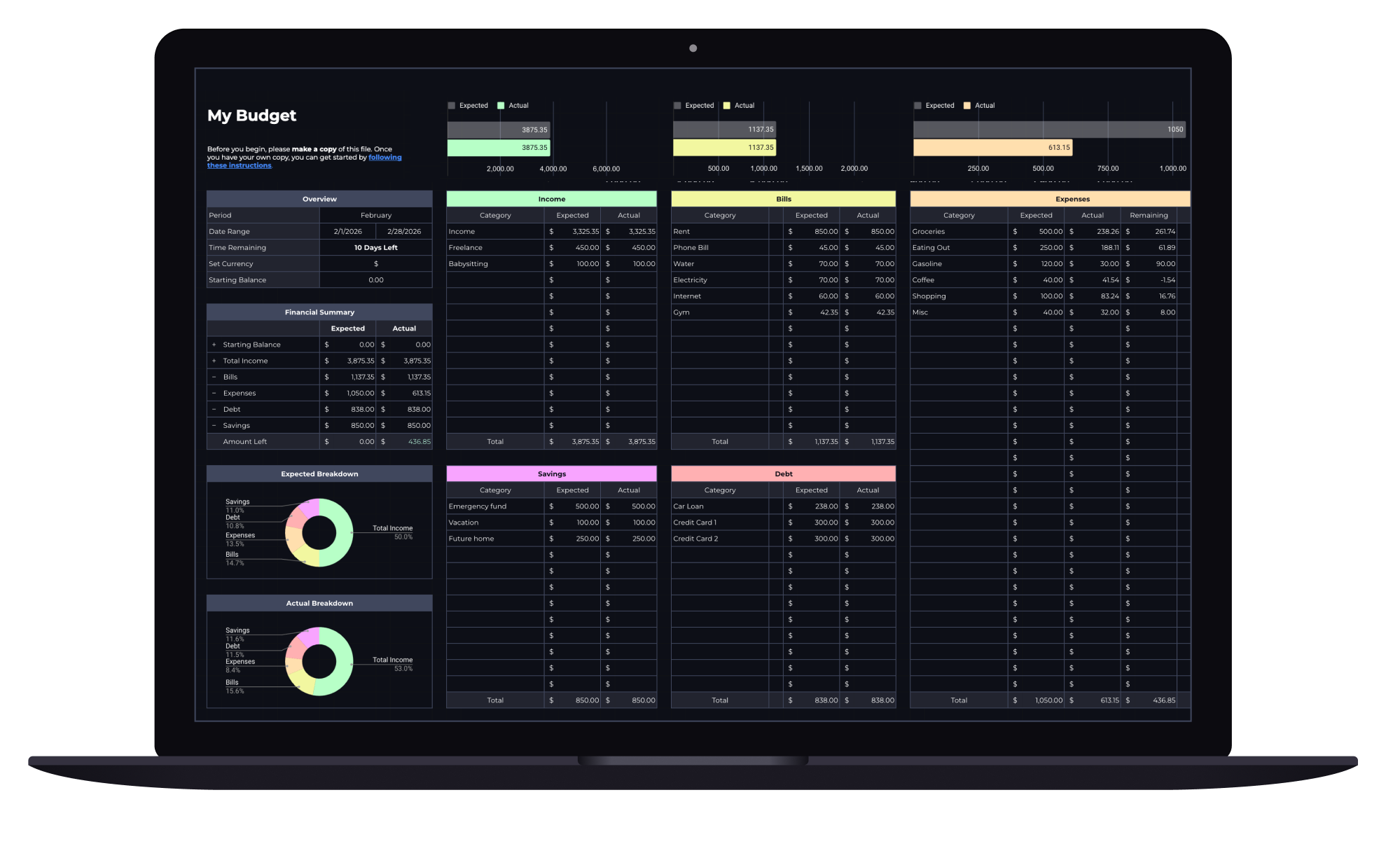
Budget Spreadsheet
Track your income and daily expenses with real-time progress indicators that show exactly where you stand each month. Works with Google Sheets and Microsoft Excel.
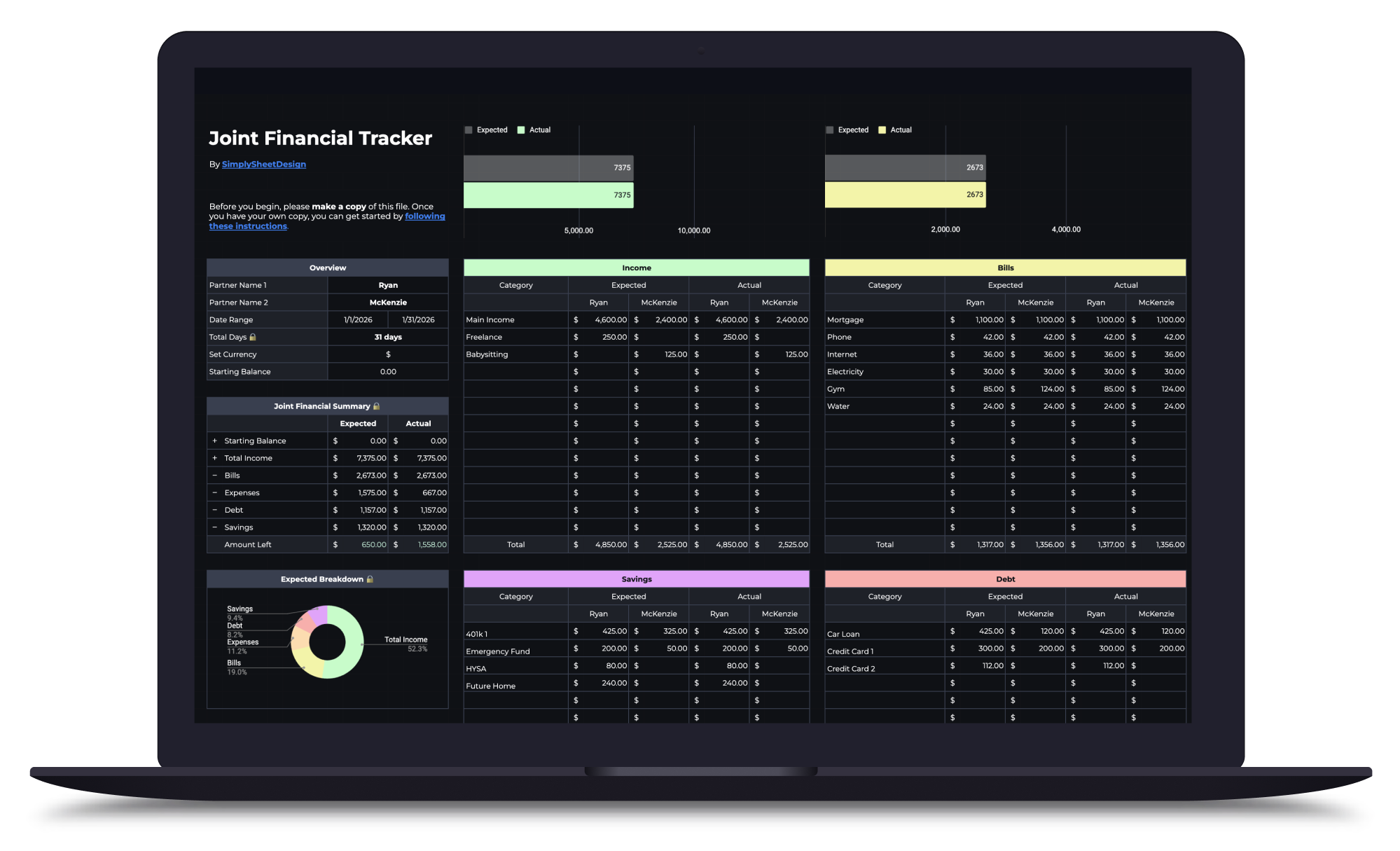
Couples Budget Spreadsheet
Split bills, track shared and personal expenses, and manage savings together. Built for two incomes, one shared financial picture.
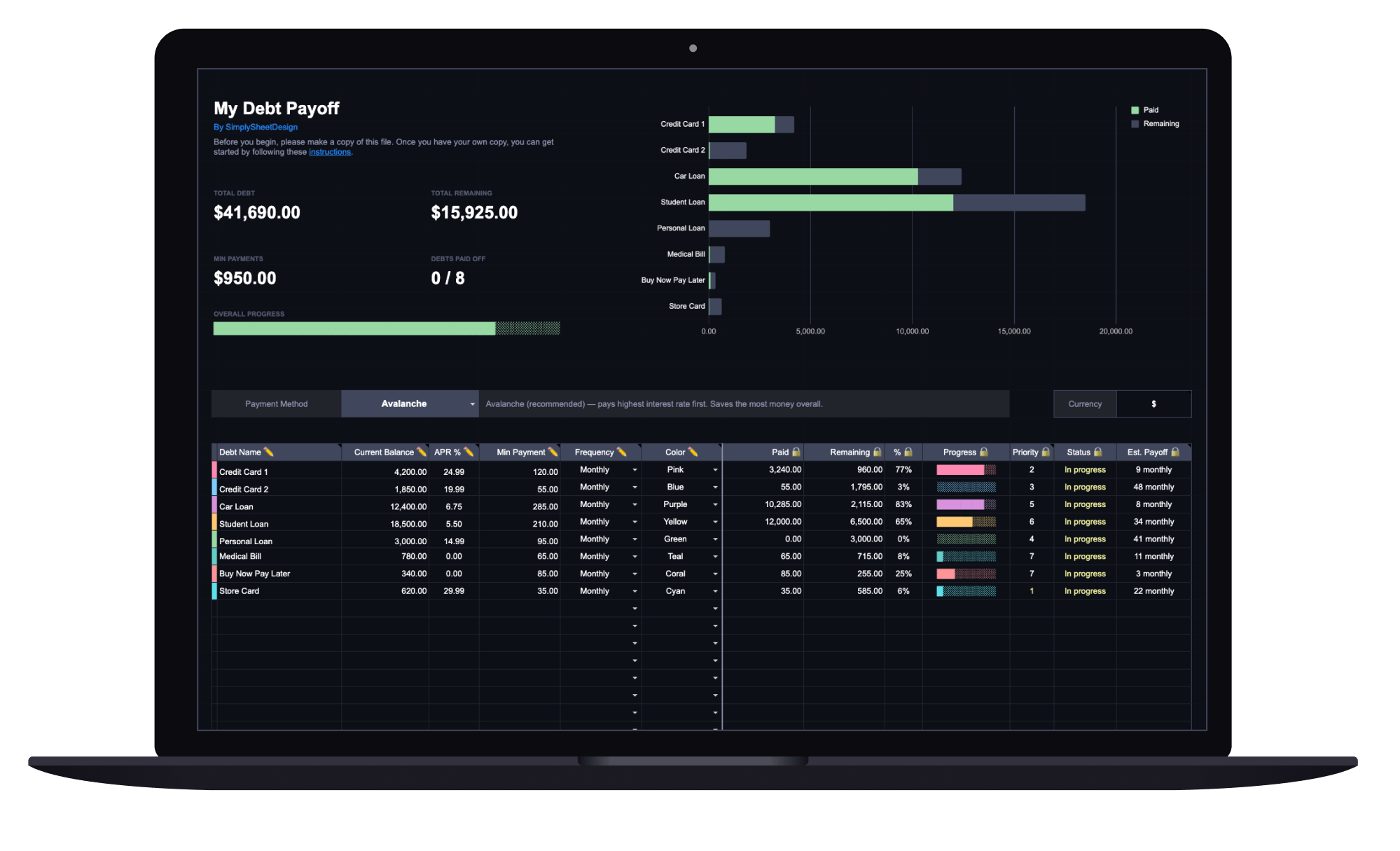
Debt Payoff Tracker
See your total debt, log payments, and watch your balances drop month by month with clear visual progress. Track credit cards, loans, and any other debt.